
BUYER'S GUIDE
What Adjustments Can an Ergonomic Office Chair Have?
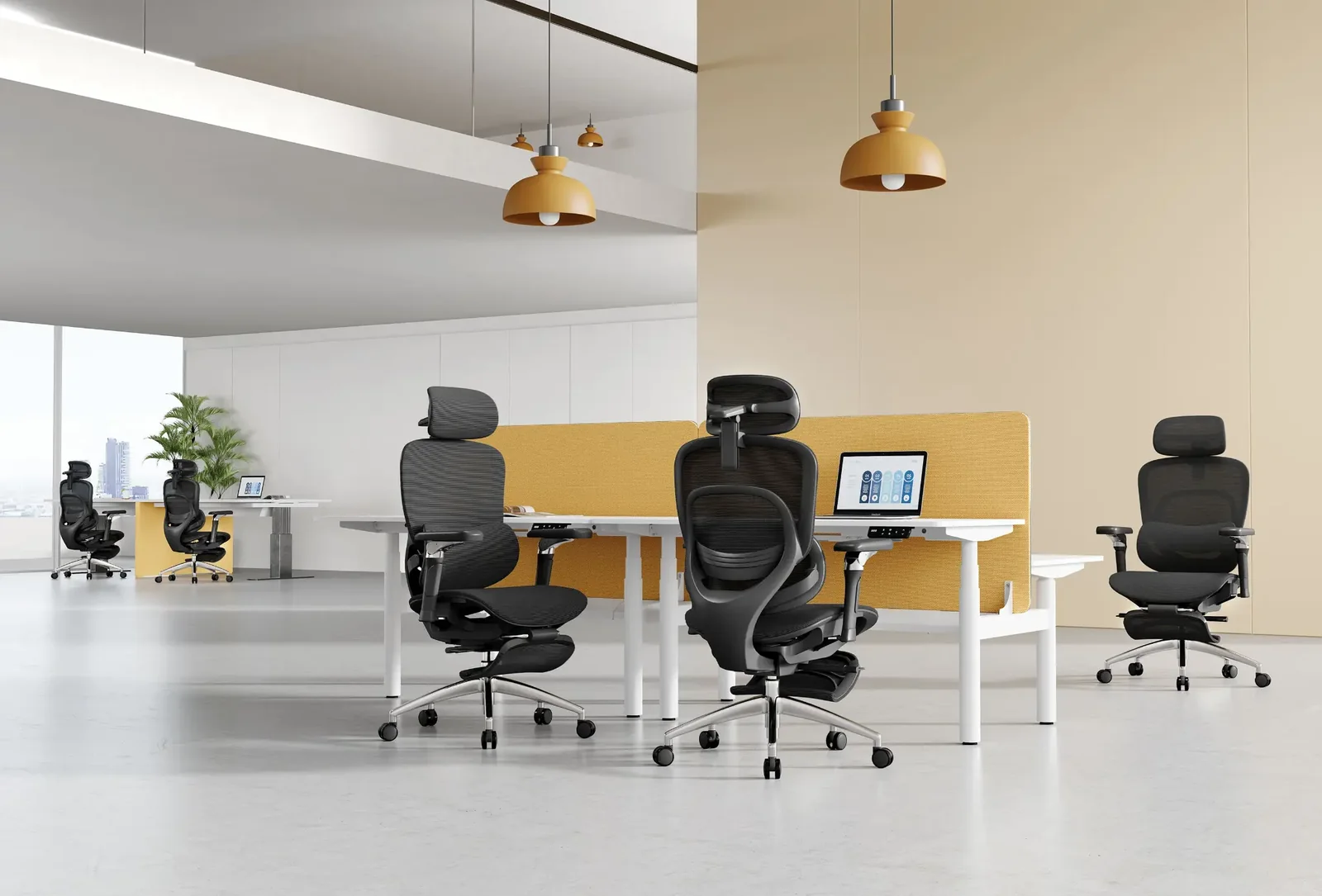
An ergonomic office chair may have seat-height adjustment, a seat slide or another effective seat-depth adjustment, adjustable armrests, backrest positioning, recline, tilt lock or limit, and tilt-tension control. Not every chair includes every control, and the same label can describe different mechanisms. BIFMA describes work chairs as chairs that swivel and may have other adjustment capabilities; that is a category description, not a promise about a particular model’s features (BIFMA: Work Chairs).
Identify the movement, not the marketing name: seat height, the effective distance between backrest and seat front, an armrest position, or the resistance and stopping point of a reclining motion. Then check the instructions for that exact configuration.
| Adjustment Feature | What It Changes | User or Workstation Question | How to Verify on the Exact Model |
|---|---|---|---|
| Seat height | The seat’s height relative to the floor and work surface | Can the user have supported feet while working at the intended desk? | Operate the height control while seated; confirm its documented range and measurement basis. |
| Seat depth | The effective front-to-back relationship between seat and backrest | Can the user sit back with thigh support and comfortable knee clearance? | Confirm whether a seat slide, moving backrest, or other mechanism creates the adjustment. |
| Armrests | One or more arm-support positions | Can forearms be supported without raised shoulders or blocked desk access? | Test every claimed direction and check clearance under or beside the work surface. |
| Recline or tilt | Backrest and/or seat motion | Can the user change posture in a controlled way for the work task? | Read the manual and test the motion, stops, and locking behavior. |
| Tilt tension | Resistance to a reclining or tilting motion | Can the user adjust the resistance, and which motion does it govern? | Confirm control location, operating method, and intended function in current instructions. |
CCOHS notes that a chair becomes ergonomic when it suits the worker’s body dimensions, workstation, and tasks; the label alone does not establish individual fit (CCOHS: Ergonomic Chair).
BUYER'S GUIDE
Seat Height: What to Check and How to Verify It
Seat-height adjustment changes where the user sits relative to the floor and work surface. The useful check is not whether a chair has a gas lift or a stated range in isolation. It is whether the user can establish supported feet, appropriate thigh support, and workable access to the keyboard and mouse at the intended workstation.
OSHA advises adjusting the chair together with the monitor, keyboard, and desk. Its chair guidance says a seat height is appropriate when the full sole of the foot can rest on the floor, while the purchasing guide also recommends trying a chair for comfort and fit before purchase (OSHA: Workstation Components—Chairs; OSHA: Purchasing Guide). If a user sets the chair to a desk-friendly height but loses stable foot support, the workstation needs a broader review rather than an improvised conclusion about the chair.
For a field check, use the actual desk, keyboard, mouse, and footwear. Note foot support, shoulder position, and leg clearance. If a specification states a range, record its measurement basis and document version; do not copy a range from a related chair or option package.
BUYER'S GUIDE
Seat Depth: Understand the Adjustment, Then Check the Fit
Seat-depth adjustment changes how the seat supports the thighs while the user stays in contact with the backrest. It is especially worth checking when a chair may serve users with different body dimensions, but it is not a universal pass/fail feature. A fixed seat may suit one user and task; an adjustable relationship may be more useful where the chair is shared.
The mechanism matters. Some chairs use a sliding seat pan; others move the backrest forward and backward to change effective seat depth. OSHA distinguishes those movements and notes that a backrest that only tilts may not provide the same adjustment (OSHA: Computer Workstations Purchasing Guide). Ask what physically moves rather than accepting “adjustable back” as proof of seat-depth adjustment.
Try the control while seated fully back, assessing backrest contact, thigh support, and knee clearance. HSE treats clearance, thigh support, lower-back support, and keyboard-and-mouse position as one workstation setup (HSE: Good Posture When Using Display Screen Equipment). For the deeper fit question, see our office chair seat depth adjustment and user fit guide.
BUYER'S GUIDE
Adjustable Armrests: Which Directions and Settings Matter?
Adjustable armrests matter when they help a user work with relaxed shoulders and approach the desk without interference. They are not automatically necessary for every task, and a chair can have adjustable arms that still do not work well in a particular workstation.
First, separate the possible directions. Height is common, but a selected chair may also offer width, depth, pivot, or pad-position adjustment. Confirm which directions are actually included. Ask whether the arm pads fit beneath or alongside the work surface and whether their size or placement obstructs a close working position.
OSHA cautions that arms set too high, low, wide, close, or large can create an awkward position or interfere with chair placement. Its practical guidance is to position adjustable armrests to support the lower arm while keeping the upper arm close to the torso and the shoulders relaxed; if arms cannot be adjusted properly or obstruct the workstation, they may be removed or not used (OSHA: Workstation Components—Chairs). CCOHS similarly notes that arms may not help when they prevent a person from sitting close enough to a desk and keyboard (CCOHS: Ergonomic Chair).
In a showroom or sample trial, test typing and mouse work at the actual desk, then move the chair toward it. Record the usable armrest directions, operation method, and any clearance issue. Do not infer function from a product image.
BUYER'S GUIDE
Recline, Tilt, and Tension: How to Compare the Controls
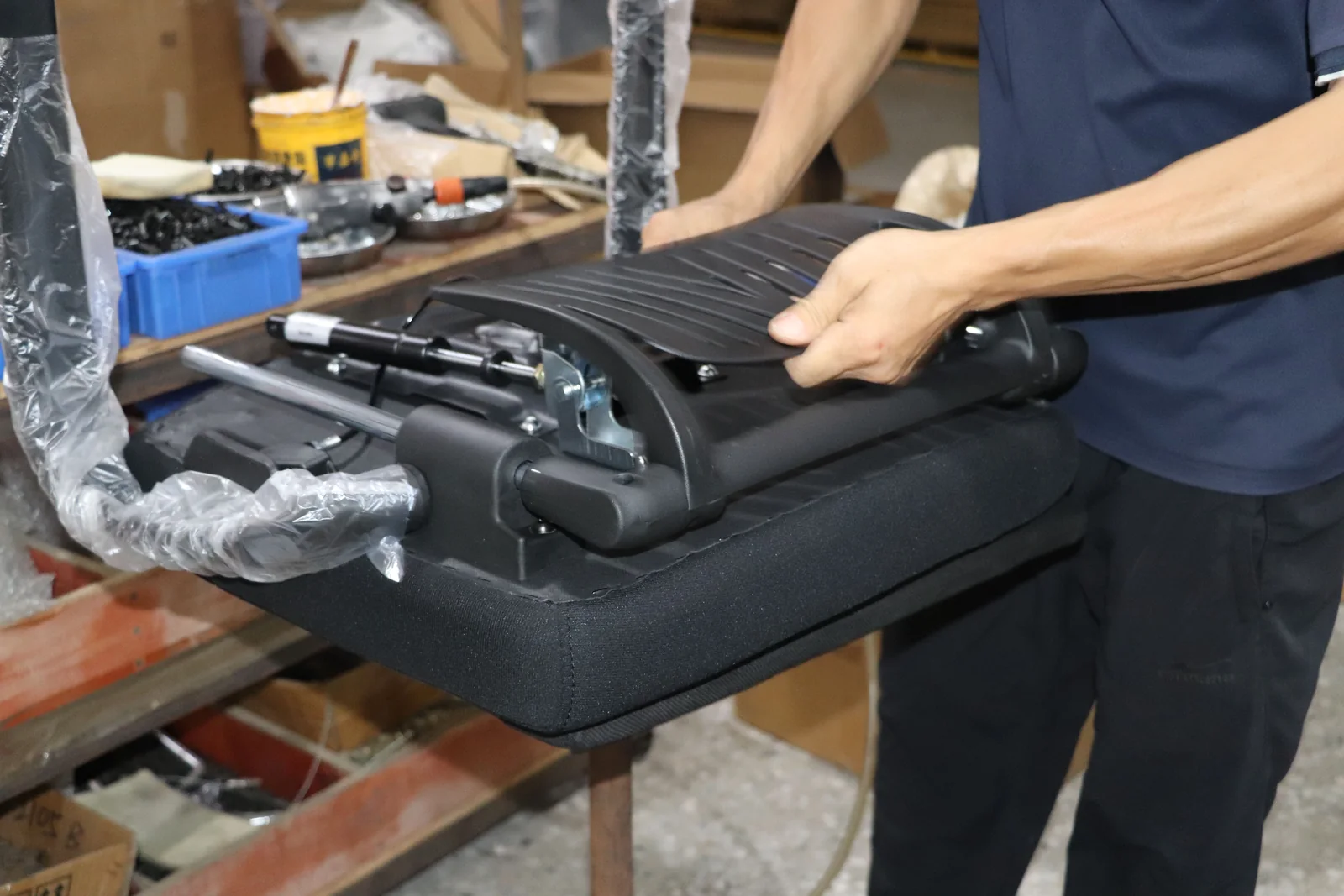
Recline, tilt, tilt lock, tilt limit, and tension describe controls that may work differently from chair to chair. Compare them by the motion and operating instructions rather than assuming that two similarly named controls produce the same result.
“Recline” may mean a rearward-moving backrest; “tilt” may involve the seat and back together. A lock can hold a position, while a limit can restrict travel without holding it. Tension means resistance to a specified motion only when the manual says which motion it governs.
OSHA identifies backrest recline, locking, and tension adjustment as ways a backrest can support different postures (OSHA: Workstation Components—Chairs). For each shortlist entry, record the manual’s control name, what moves, documented stops or lock behavior, tension operation, and seated usability. Mark any missing detail “To confirm.”
BUYER'S GUIDE
Match Chair Adjustments to the User and Workstation
Match adjustments to a defined use case, not to an abstract ideal chair. A dedicated workstation, a shared hot-desk area, and a user who often switches between focused computer work and meetings can all create different priorities. ISO 9241-5:2024 frames its ergonomic guiding principles around user requirements, design, and procurement of workstation equipment used with visual displays (ISO 9241-5:2024).
| User or Workstation Need | Adjustment to Prioritize | On-Site Trial Action | Still Needs Confirmation |
|---|---|---|---|
| Fixed user at a fixed-height desk | Seat height, backrest contact, armrest desk clearance | Work at the actual keyboard and mouse setup | Exact range, control instructions, footrest need if any |
| Shared desks or varied users | Easily operated seat height, effective seat depth, armrest settings | Have more than one intended user set and reset the chair | Adjustment range, configuration consistency, user guidance |
| Frequent task changes | Accessible recline/tilt controls and appropriate armrest behavior | Change task posture and return to keyboard work | Which motion each control changes and whether it locks |
| Compact workstation | Armrest width/depth and chair approach to the desk | Move fully into the normal working position | Desk clearance and arm-pad dimensions, if relevant |
This matrix is a screening tool, not medical guidance. For broader selection, use the ergonomic office chair buying guide. Covering questions belong in the mesh and upholstered office chair materials comparison.
BUYER'S GUIDE
How to Verify Adjustment Features on the Exact Chair Model
Verification should produce a traceable record for the precise chair. A supplier description, listing, image, and manual may use the same feature name for different configurations or document versions; treat them as starting points until identifiers match.
Check the Model, Configuration, and Document Version
Record the model or SKU, selected base, armrest, seat/back, headrest, and mechanism options. Match them to a dated specification, drawing, manual, or approved confirmation. Capture both claimed armrest directions and the configuration.
Record the Range and Measurement Method Only When Documented
Write a range only when the exact source provides it. Record the unit, endpoints, measurement condition if stated, and document revision. If its method is absent, label range and method “To confirm.”
Separate Supplier Claims From Approved Evidence
Label a supplier statement as such. BIFMA describes ANSI/BIFMA X5.1-2017(R2022) as a general-purpose office-chair test standard covering seating that may incorporate adjustment features (BIFMA: Standards Descriptions). That summary does not establish compliance, testing, certification, or suitability for a particular chair. Request the applicable document for the exact model, configuration, market, and revision.
BUYER'S GUIDE
Build a Chair Adjustment Checklist for a Shortlist or Procurement Review
A single configuration matrix makes missing evidence visible before a buyer compares quotes or signs off on a sample. Complete one row per chair configuration. Use “Present,” “Absent,” or “To confirm” rather than filling gaps from photos, a similar model, or a general collection page.
| Adjustment Feature | Present on Exact Model? | What It Changes | User/Workstation Question | How Checked in Person | Documented Range or Instructions | Model/Configuration | Evidence Source and Version | Open Question |
|---|---|---|---|---|---|---|---|---|
| Seat height | ||||||||
| Seat depth | ||||||||
| Armrest height | ||||||||
| Armrest width/depth/pivot, if offered | ||||||||
| Recline or tilt | ||||||||
| Tilt tension/lock/limit, if offered | ||||||||
| Backrest or lumbar positioning, if offered |
For procurement, add the target market, users, reviewer, approval date, and document owner. Keep adjustment claims separate from price, MOQ, lead-time, certification, and warranty questions; those need current model- and contract-specific evidence. When the shortlist becomes a formal inquiry, use an office furniture RFQ and quotation comparison. For supplier diligence, see how to verify an office furniture OEM factory.
Tell us which chair model or configuration you are reviewing and which adjustment features matter to your users. Request a configuration matrix for GB chair models. Any response should be subject to model-specific document review.
FREQUENTLY ASKED QUESTIONS
Questions to settle before you request a quotation.
What Adjustments Does an Ergonomic Office Chair Have?+
Common adjustments include seat height, seat depth or the seat-to-backrest relationship, armrest positions, and recline or tilt controls. Availability varies by configuration; confirm controls, instructions, and ranges in the current manual or specification.
How Do I Adjust the Seat Depth on an Office Chair?+
Confirm that a seat-depth adjustment is present and whether it uses a sliding seat, moving backrest, or another mechanism. Sit back, follow the manual, and assess thigh support and knee clearance at the workstation.
Are Adjustable Armrests Necessary on an Office Chair?+
They can support forearms without raised shoulders or blocked desk access, but are not necessary for every task. Check actual adjustment directions, range, and clearance before prioritizing them.
What Is the Difference Between Chair Recline and Tilt Tension?+
Recline and tilt describe chair motions, while tension generally describes the resistance to one of those motions. Their definitions and mechanics can vary by model. Use the chair’s user manual to confirm what moves, how the control operates, and whether there are locks, limits, or adjustable resistance settings.
RELATED BUYER GUIDES
Continue with the next practical question.
Each guide below develops the product, evidence or commercial question that naturally follows this one.
ERGONOMIC SEATING
Ergonomic Office Chairs: A Buyer’s Guide to Fit, Features, and Use
Create a practical shortlist by checking user fit, adjustments, materials and the exact model specification.
ERGONOMIC SEATING
Mesh vs Upholstered Office Chairs: A Material Decision Guide
Compare chair material directions by construction, feel, care expectations and brand positioning.
ERGONOMIC SEATING
How to Assess Office Chair Seat Depth and User Fit
Learn how to assess office chair seat depth and user fit. Check the exact chair’s adjustment, dimensions, and measurement method before comparing models.
READY TO MAKE A MORE INFORMED DECISION?
Discuss The Chair Features That Matter To Your Users
Share the intended chair configuration, user setting and adjustment questions. GB Ergonomic can discuss the product information needed for a more focused sourcing conversation.
Get a focused responseSOURCES AND FURTHER READING
The references below support the standards, procurement and workplace context in this guide. Requirements should always be verified against the exact product configuration, destination market and commercial arrangement.
- Occupational Safety and Health Administration: Workstation Components—Chairs
- Occupational Safety and Health Administration: Computer Workstations Purchasing Guide
- Canadian Centre for Occupational Health and Safety: Office Ergonomics—Ergonomic Chair
- Health and Safety Executive: Good Posture When Using Display Screen Equipment
- BIFMA: Standards Descriptions
- International Organization for Standardization: ISO 9241-5:2024
ABOUT THIS GUIDE
Written by the GB Ergonomic Editorial Team and reviewed on November 2, 2026. This is an educational buyer resource, not legal, certification or regulatory advice. Product evidence, standards and commercial terms should be confirmed for the exact configuration and destination market.