
BUYER'S GUIDE
Start With Fit: What Should an Ergonomic Office Chair Fit?
A chair should suit the person, task, and workstation together. CCOHS notes that a chair becomes ergonomic when it fits a worker’s body dimensions, workstation, and tasks—not merely because of its marketing [1].
With the user sitting back, check foot support, clearance behind the knees, backrest contact, and access to the keyboard without reaching or shrugging. HSE connects those checks with chair height, thigh support, lower-back support, and screen, keyboard, and mouse placement [2]. Adjust the chair alongside those components; it cannot correct a desk or screen that is poorly positioned [3].
| Fit Check | What to Look For | How to Verify | Exact Model / Configuration | Open Question |
|---|---|---|---|---|
| Feet and lower legs | Feet are supported on the floor or an appropriate footrest | Sit at the intended desk and set seat height | ||
| Seat depth and width | Thighs are supported without the seat edge pressing behind the knees; space allows comfortable posture changes | Sit fully back against the backrest | ||
| Backrest contact | Lower back and backrest can meet without forcing the user forward | Adjust backrest height, depth, or seat slide where available | ||
| Desk and arm position | User can approach the desk without raised shoulders or excessive reach | Check with the actual keyboard and mouse | ||
| Mobility | Base and caster choice suit the intended floor and task | Confirm floor type and test movement |
For shared desks or varied body sizes, plan for a range of suitable seating or meaningful adjustment. WorkSafe Queensland notes that one standard chair will not suit every worker [4].
BUYER'S GUIDE
Which Office Chair Adjustments Matter Most?
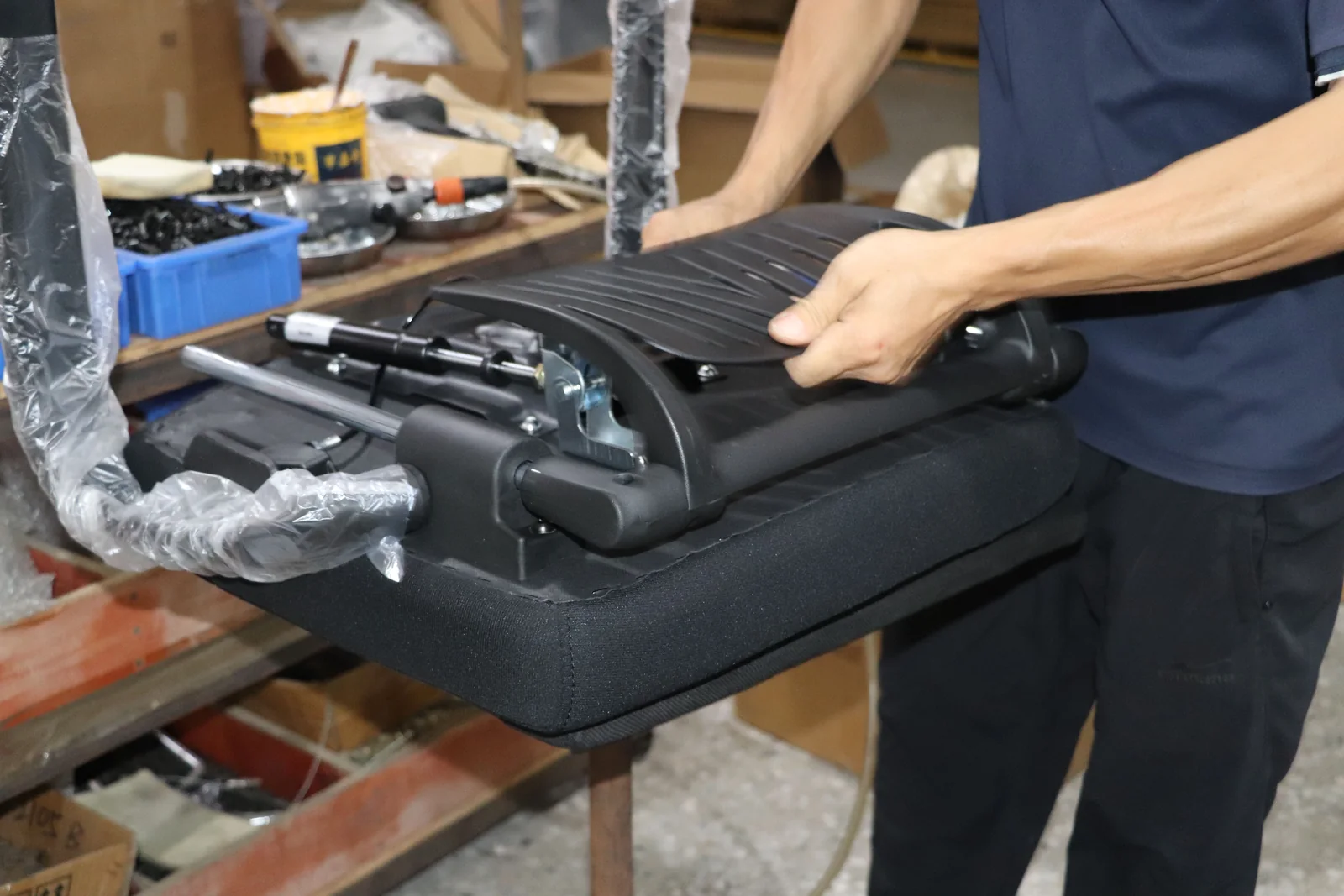
Prioritize controls that help the particular user work with the desk and task. On the exact chair, test where controls sit, whether they can be used while seated, their range, and whether they hold a selected setting.
| Feature | User Need It May Address | On-Site Verification Method |
|---|---|---|
| Seat-height adjustment | Matching the user to the work surface while supporting feet | Raise and lower the seat at the intended desk; check feet, thigh support, and arm position |
| Seat-depth adjustment or seat slide | Supporting users with different thigh lengths | Sit back against the backrest; check clearance at the back of the knees and thigh support |
| Adjustable armrests | Supporting forearms where helpful without blocking access to the desk | Set height and width, then move close to keyboard and mouse; check relaxed shoulders |
| Backrest height or depth adjustment | Positioning lower-back support for the user | Adjust while seated and check contact at the lower back |
| Recline, tension, or lock | Supporting changes of seated posture | Test the motion, tension, stops, and lock on the specified chair |
Seat Height and Seat Depth
Seat height and depth affect both foot support and contact with the backrest. OSHA advises that the full sole of the foot should rest on the floor and that adjustable seat depth can help users of different heights sit back with thigh support [3]. If this makes the work surface too high, change the wider setup—for example, with an appropriate footrest—rather than treating the chair as the only variable.
Use dimensions and adjustment ranges to screen options, then test the exact chair with the user and desk.
Armrests, Recline, and Backrest Controls
Armrests can help, but they should not prevent close desk access. OSHA and WorkSafe Queensland advise checking that they permit relaxed shoulders and do not interfere with the desk; removable or adjustable arms can suit changing needs [3] [4].
Test backrest support in normal work and when changing position. Confirm whether each control changes tilt, backrest position, tension, lock, or a combination. More mechanisms do not overcome a poor fit.
Lumbar Support: Fit, Not a Medical Promise
Lumbar support is lower-back support, not a treatment claim. Check whether the user can position it comfortably, retain backrest contact, and work without an awkward posture. CCOHS recommends an adjustable backrest with firm support that does not create pressure points [1].
For shared seating, confirm whether lumbar height, backrest height, or depth can be adjusted. Request confirmation when documentation does not state this.
BUYER'S GUIDE
How to Compare Back Support and Recline Options
Compare the backrest as a fit interface. Low, mid, or high labels are insufficient: check shape, contact area, controls, recline, and whether the user can work close to the desk.
| Back-Support Option | User Checkpoint | Information to Request or Verify |
|---|---|---|
| Fixed backrest | Does its shape and position meet the user’s lower back without adjustment? | Backrest dimensions, material, and intended configuration |
| Height-adjustable backrest | Can lower-back contact be positioned for the user? | Adjustment method and range for the exact model |
| Seat slide or depth-adjustable relationship | Can the user sit back while keeping clear space behind the knees? | Seat-depth range and how the adjustment interacts with the backrest |
| Recline with tension or lock | Can the user change position with controlled support? | Recline range, lock positions, tension control, and operating instructions |
| Headrest, if offered | Does the task and reclined use justify it, and does it fit the user? | Headrest adjustment details and whether it is included or optional |
Test with the work task in view. Keyboard-and-mouse work still requires close desk access, while collaborative or intermittent tasks may place more weight on mobility and easy re-adjustment. OSHA recommends trying chairs because a checklist cannot accommodate every body type or task [5].
BUYER'S GUIDE
Mesh, Upholstery, or a Combination: Which Material Fits Your Priorities?
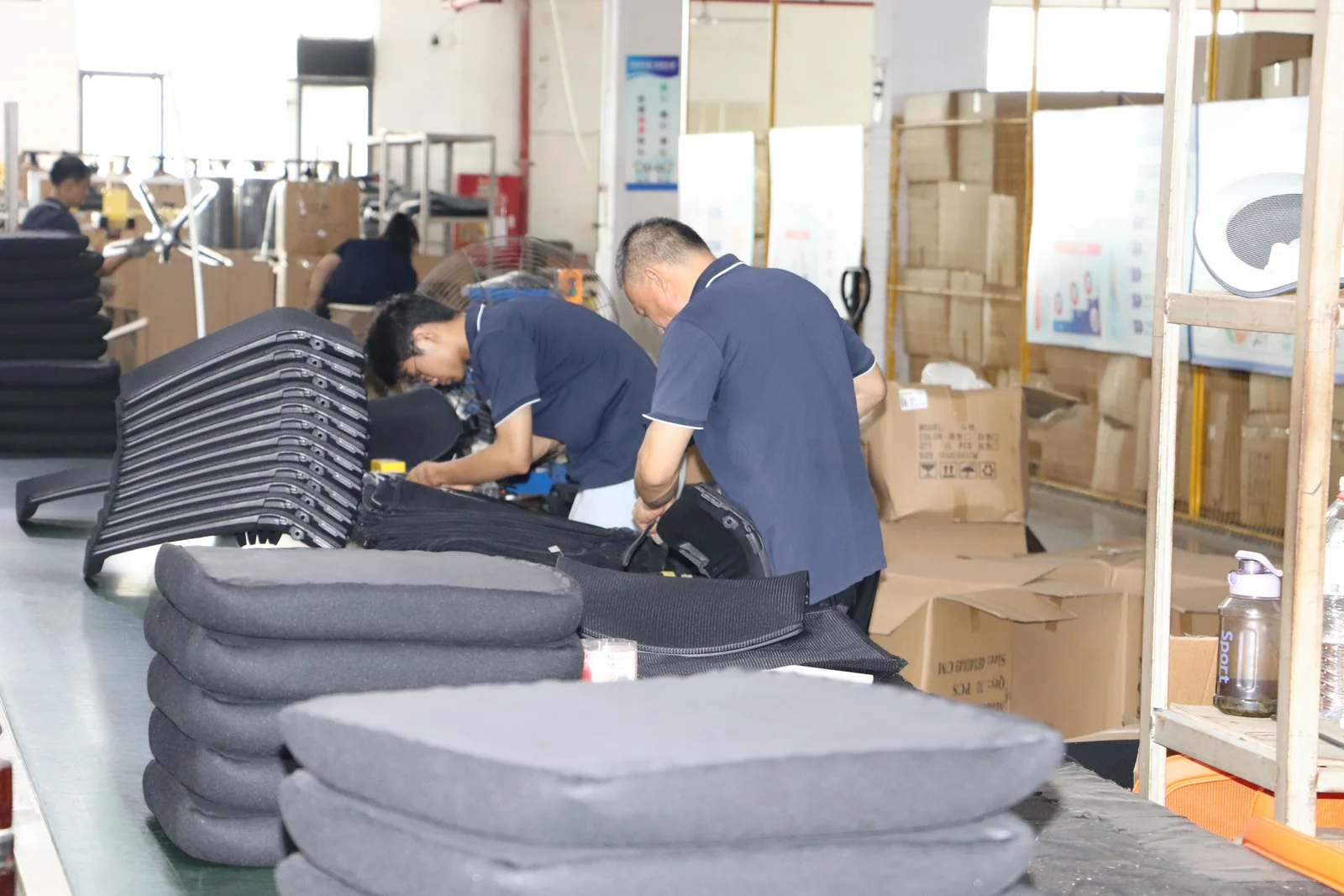
Material affects feel, appearance, maintenance, and workplace fit; it is not a universal comfort verdict. A mesh-back chair with an upholstered seat is a hybrid, not a full-mesh chair.
| Material Approach | Possible Priority It May Suit | What to Confirm Before Buying |
|---|---|---|
| Mesh back | A more open visual or tactile feel | Mesh composition, colour, cleaning guidance, backrest adjustment, and exact seat construction |
| Upholstered seat and/or back | A particular appearance, texture, or specified interior scheme | Covering name and composition, care instructions, colour reference, and replacement or service options if offered |
| Hybrid: mesh back with upholstered seat | Different priorities for back and seat surfaces | Details for each component; do not rely on a single “mesh chair” description |
| Wipe-clean covering | Settings with frequent surface-cleaning needs | Approved cleaning method, chemical restrictions, and exact covering specification |
Questions to Ask About the Actual Covering and Care
Request the current specification and care instructions for the selected colour and configuration. Confirm whether the cover applies to the seat, back, or both, and whether options change care. WorkSafe Queensland also recommends matching upholstery to the environment and cleaning needs [4].
For a deeper material-only comparison, see our planned guide to compare mesh and upholstered office chair materials. Use that article to narrow material questions; return to this guide to decide whether the complete chair still fits the user and workstation.
BUYER'S GUIDE
Choose a Chair for Your Workday and Workspace
Work patterns change what should be tested. A home office, hot-desk area, fixed workstation, and longer-shift monitoring environment can each require different checks. The matrix identifies questions, not product promises.
| Scenario | Priority Checks | Information to Request |
|---|---|---|
| Home office | Fit with the actual desk, monitor, keyboard, floor, and available space | Overall dimensions, caster type, assembly and care instructions, delivery/return terms where applicable |
| Shared desk or hot-desk area | Adjustment usability, range, user handover, durability/maintenance plan | Adjustment list, operating guidance, replacement-part or service information if available |
| Dedicated computer workstation | Seat depth, lower-back contact, desk access, monitor and keyboard relationship | Model dimensions, adjustment range, configuration details |
| Longer-shift or specialist task | Task-specific needs, user trial, maintenance, and any specialist assessment needed | Intended-use documentation, service/warranty terms, and specialist review where appropriate |
Vary position and take regular movement breaks; a chair does not remove the need to change posture. With a height-adjustable desk, use the same fit logic seated and standing, and check that the desk, keyboard, and screen adjust together.
BUYER'S GUIDE
Set a Budget by Comparing What Is Included
Compare prices only after the scope matches. A price may conceal different upholstery, armrests, headrests, casters, assembly, delivery, service, or warranty conditions.
| Comparison Field | Option A | Option B | Option C | Clarification Needed |
|---|---|---|---|---|
| Exact model and configuration | ||||
| Seat, back, and armrest materials | ||||
| Adjustments included | ||||
| Casters / base / floor suitability | ||||
| Assembly and delivery scope | ||||
| Care, service, warranty, and return terms | ||||
| Documents and date/version | ||||
| Included / excluded items |
For a business purchase, identify the market, intended users, selected configuration, quantities, delivery destination, and needed documentation before requesting comparable quotes. When the purchase calls for a formal supplier enquiry, use this planned guide to prepare an office furniture RFQ and compare quotes rather than relying on an informal product-name request.
BUYER'S GUIDE
A Pre-Purchase Checklist: Verify the Exact Chair Model
Online listings and images are a starting point, not final evidence. Before approval, match important claims to a current document or confirmed supplier response for the exact configuration—especially where colours, arms, bases, casters, headrests, or coverings are optional.
| Claim to Verify | Evidence to Request | Version / Configuration | Reviewer | Open Question |
|---|---|---|---|---|
| Model name and product code | Current specification sheet or drawing | |||
| Overall, seat, and backrest dimensions | Dimensioned drawing or technical specification | |||
| Adjustments and controls | User instructions, feature list, or trial sample | |||
| Covering, colour, and finish | Current material description and approved sample where needed | |||
| Base, casters, and assembly | Assembly guide and floor-use confirmation | |||
| Care and maintenance | Current care instructions | |||
| Commercial terms | Applicable written warranty, return, service, delivery, and assembly terms | |||
| Market-specific documents | Documents relevant to the intended market, if required |
For Office Buyers and Brands
Office buyers and brands should record the SKU, options, target market, documentation, packaging/branding requirements, and approval owner. Separate a supplier statement from evidence reviewed for the exact configuration. Where factory capability or documentation needs checking, see the planned guide to verify an office furniture OEM factory.
BUYER'S GUIDE
Make Your Shortlist and Decide What to Test Next
Build a shortlist around verified fit, adjustments, materials, care, and documentation. Have the principal user try the chair in a realistic setup where possible. Without a trial, request current dimensions, instructions, material details, and commercial terms, then list what remains unverified.
| Shortlisted Model | Fit Notes | Adjustments Tested / Confirmed | Material and Care Notes | Evidence Received | Next Step |
|---|---|---|---|---|---|
Choose the chair that supports a workable setup for its user and task, with configuration and terms clearly documented.
FREQUENTLY ASKED QUESTIONS
Questions to settle before you request a quotation.
How Should an Ergonomic Office Chair Fit?+
Check foot support, backrest contact without pressure behind the knees, and an arrangement of desk, keyboard, mouse, and screen that avoids excessive reach or raised shoulders. Trial the chair where possible; no one chair fits every person [1] [2].
Which Chair Adjustments Should I Prioritize?+
Prioritize controls that solve a fit issue: usually seat height, seat depth or the backrest-to-seat relationship, backrest position, and armrests that do not block desk access. For shared seating, prioritize controls that are easy to operate and have a useful range. Confirm each feature on the exact configuration.
Is a Mesh Chair Better Than an Upholstered Chair?+
Neither is automatically better. Compare the actual seat and back construction, the feel and appearance you want, the cleaning method, and the work environment. A mesh back with an upholstered seat is a hybrid and should be assessed component by component. For the material-specific comparison, see [mesh versus upholstered office chairs](/blog/mesh-vs-upholstered-office-chairs/).
What Should I Verify When Buying an Office Chair Online?+
Verify the model code, dimensions, included adjustments, covering and colour, assembly and care guidance, caster/base details, and applicable commercial terms. Request a current specification sheet or drawing rather than relying only on images or generic feature descriptions.
RELATED BUYER GUIDES
Continue with the next practical question.
Each guide below develops the product, evidence or commercial question that naturally follows this one.
FACTORY VERIFICATION
The Complete Buyer’s Guide to Evaluating an Ergonomic Office Chair Manufacturer
Compare a chair factory through product evidence, sample control, production repeatability and commercial accountability.
ERGONOMIC SEATING
Mesh vs Upholstered Office Chairs: A Material Decision Guide
Compare chair material directions by construction, feel, care expectations and brand positioning.
QUALITY & RISK
A Buyer’s Checklist for Evaluating Desk and Office Chair Factory Quality Controls
Move the factory conversation from broad claims to visible working practices and controlled checkpoints.
READY TO MAKE A MORE INFORMED DECISION?
Explore the Relevant Chair Configuration
Review [ergonomic chair models](/products/ergonomic-chairs/) against the fit and verification checklist above. If you are sourcing for a business, [contact GB Ergonomic](/contact/) with your target market, intended users, and product requirements to request relevant specification information for the configuration you are considering.
Get a focused responseSOURCES AND FURTHER READING
The references below support the standards, procurement and workplace context in this guide. Requirements should always be verified against the exact product configuration, destination market and commercial arrangement.
- Canadian Centre for Occupational Health and Safety: Office Ergonomics – Ergonomic Chair
- UK Health and Safety Executive: Good Posture When Using Display Screen Equipment
- Occupational Safety and Health Administration: Workstation Components – Chairs
- WorkSafe Queensland: Selecting and Purchasing Office Chairs
- Occupational Safety and Health Administration: Computer Workstations Purchasing Guide
ABOUT THIS GUIDE
Written by the GB Ergonomic Editorial Team and reviewed on October 27, 2026. This is an educational buyer resource, not legal, certification or regulatory advice. Product evidence, standards and commercial terms should be confirmed for the exact configuration and destination market.