
BUYER'S GUIDE
What Does “Standing Desk Frame Stability” Mean in a Test?
In a test, standing desk frame stability means the behavior observed from one fully defined desk configuration under a stated method. It is not a promise that the same frame will behave identically with every top, accessory set, height, floor, or assembly state. The practical route is simple: define the comparison question, lock the conditions, observe or measure a stated response, and preserve the record.
The public abstract for ISO 19682:2023 describes methods for determining table and desk stability, strength, and durability. It is not evidence that a particular desk is compliant, nor does it provide a universal wobble threshold.
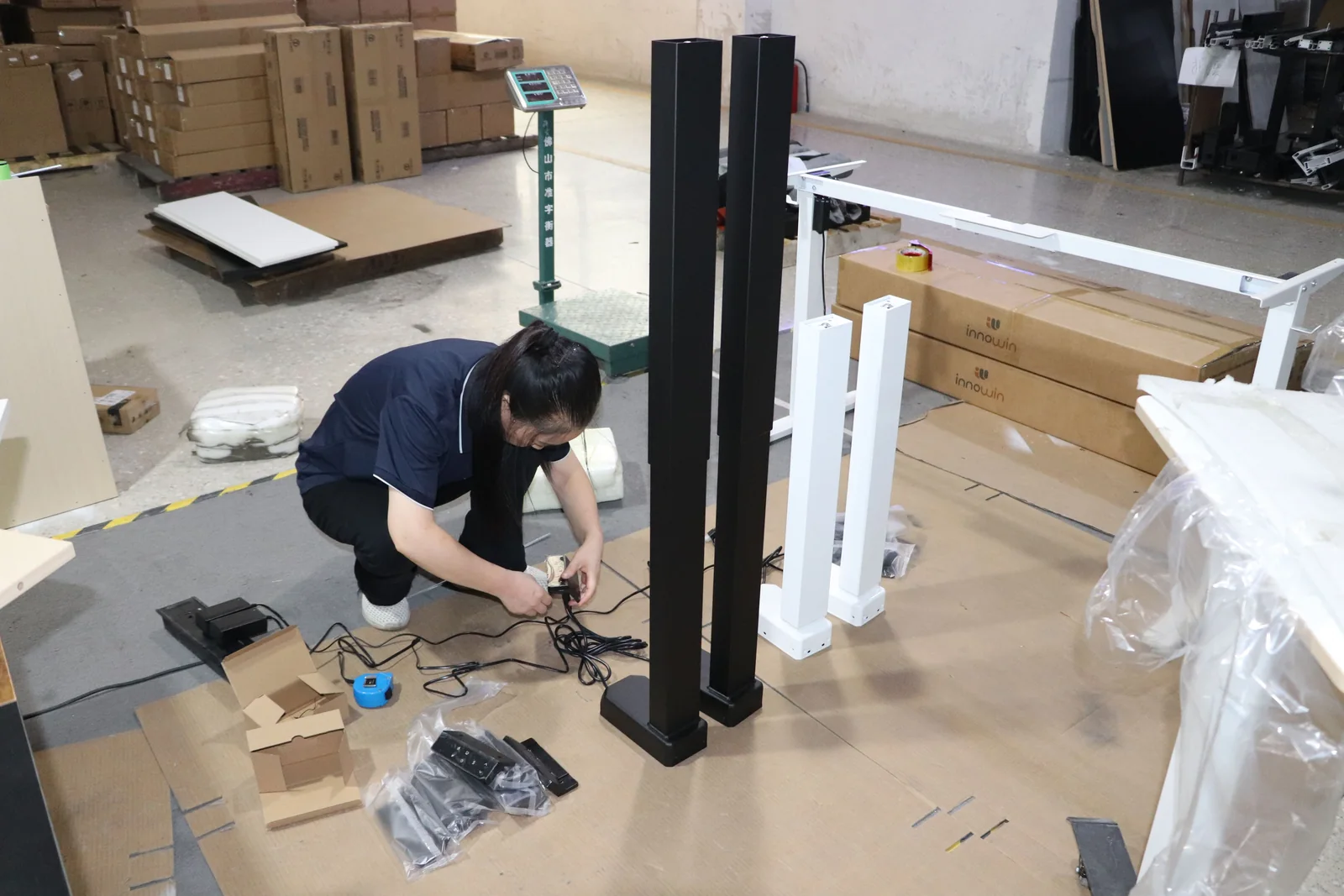
Separate three evidence types. A supplier statement describes what a supplier specifies. An internal test is useful when its procedure, configuration, records, and limits are available. An independent report still supports only the unit and scope it covers.
BUYER'S GUIDE
What Can Cause a Standing Desk to Wobble?
Wobble can arise from the interaction of the floor, assembly, frame, desktop, load, attachments, height, and the way force is applied. The symptom alone does not identify the cause. A fair review records the observed movement and the setup conditions separately, then asks which variables changed between the compared desks or test runs.
| Variable to Check | What to Record | What Not to Assume |
|---|---|---|
| Floor and leveling | Surface type, flatness observations, leveling approach, and feet contact | A result on one floor represents every installation |
| Assembly and frame identity | Exact sample, revision, hardware state, and assembly instructions used | A photo proves the same assembly or configuration |
| Desktop and attachments | Top dimensions, mass, fastening, monitor arms, screens, and accessories | A bare-frame result applies after a top and accessories are added |
| Load | What is present, its total amount, and its position or distribution | A total alone describes how the load acts on the desk |
| Height and applied force | Actual work-surface height, direction, application point, and method | One direction or one height represents all use conditions |
The 2021 revision of ANSI/BIFMA X5.5 gave special attention to stability and added an informative stability test for units with monitors attached, according to BIFMA’s announcement. It reinforces the need to disclose monitors and attachments in the actual setup, not a result for a particular desk.
Do not turn a construction feature into a conclusion. Motor count, a crossbar, leg appearance, or a heavy-looking top may prompt a question, but none alone verifies standing desk stability. For the separate drive-architecture question, use the single- vs. dual-motor standing desk frame comparison.
BUYER'S GUIDE
Why Test at the Intended Desk Height and Configuration?
Test at the intended desk height and configuration because the purchase concerns the finished workstation, not an unspecified position or bare base. If several heights matter, define each one in advance and record it separately. Do not extend a conclusion from one setting without matching evidence.
OSHA notes that a desk’s work surface must accommodate computer components and accessories (OSHA’s Computer Workstations eTool). HSE likewise presents desk, screen, keyboard, mouse, and chair placement as one setup (HSE display screen equipment guidance). These are workstation guidance, not stability protocols, but they support documenting the top and equipment actually used.
| Configuration / Height | Conditions Confirmed Before Testing | Observation or Measurement | Scope of Any Conclusion |
|---|---|---|---|
| Floor, sample, top, attachments, load, force direction, and method | Only this recorded setup | ||
| Floor, sample, top, attachments, load, force direction, and method | Only this recorded setup |
A different desktop, monitor arrangement, feet option, or work-surface height should be entered as a new condition. It may lead to a retest, a written clarification, or a decision not to compare—not an automatic negative or positive finding.
BUYER'S GUIDE
How Do Floor, Desktop, Load, and Force Direction Affect the Setup?
Floor, desktop, load, and force direction determine what is assembled, supported, and challenged during an observation. Record enough detail for another reviewer to understand and, where authorized, reproduce the setup. A short video alone is not a complete comparison document.
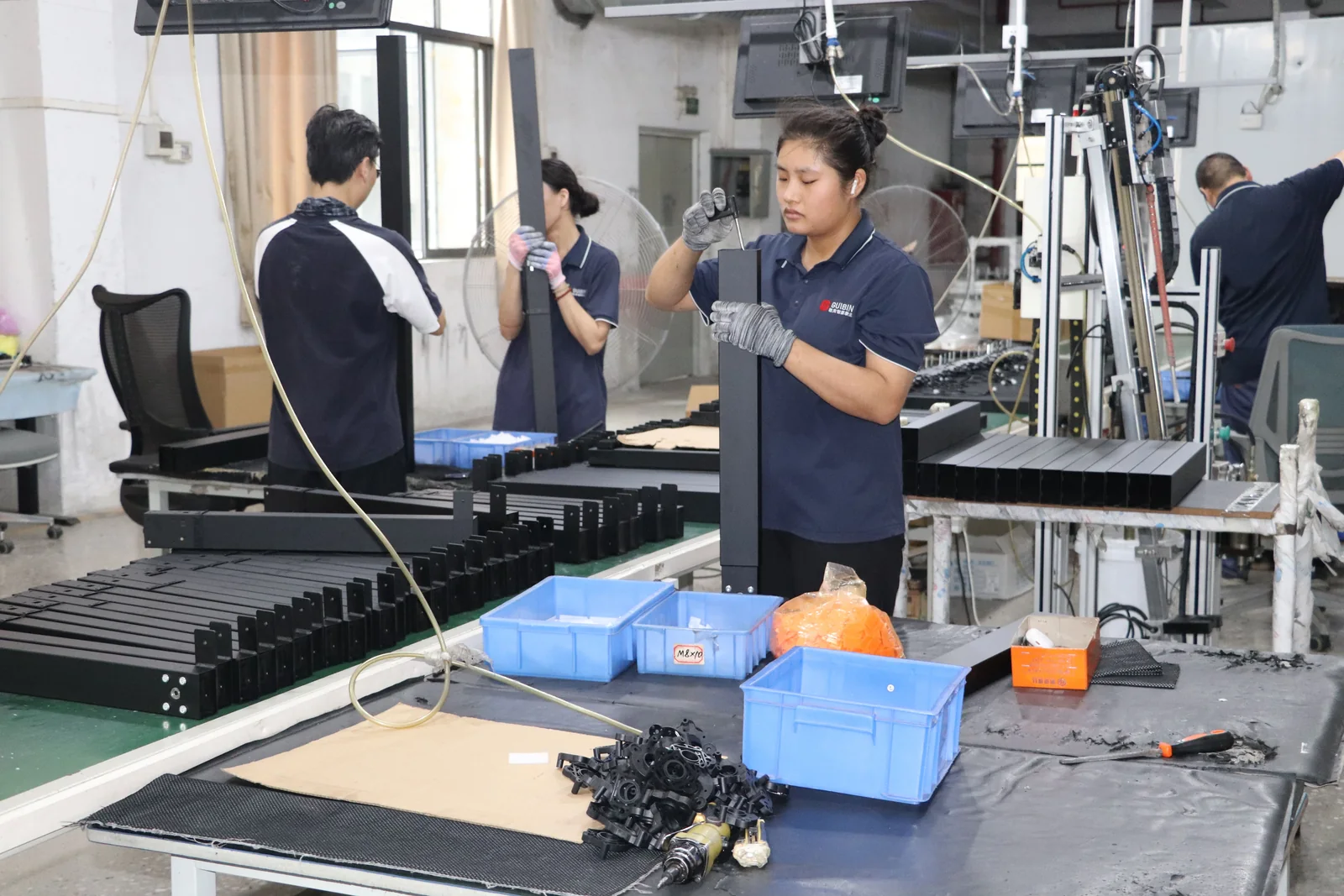
Record Every Setup Variable Before Comparing Results
For the floor, describe the surface and whether all feet were in contact after the desk was installed; do not substitute a general label such as “office floor” for an observation. For the desktop, identify its dimensions, mass, underside construction, fastening method, and source. Include monitor arms, laptop stands, cable trays, and other attached equipment if they were present.
For the load, note total amount and location. For applied force, record the direction, point, method, and stated use case. Fix the observation or measurement point before the run. If an instrument is used, preserve its identity, units, and calibration or setup information where applicable. This article prescribes no generic force or load; those values belong in an approved method and raw record.
BUYER'S GUIDE
How to Evaluate Standing Desk Frame Stability Repeatedly
A repeatable standing desk stability test starts with an approved question and identified sample, then holds documented conditions constant across runs. Define the direction, application method, measurement point, observation method, repetitions, and responsible personnel before testing. Do not create a pass/fail rule after reviewing a result.
Use this working sequence:
- Identify the sample and configuration. Record the frame or sample identity, revision, desktop, feet, attachments, hardware state, and assembly document.
- Document the environment and height. Record the floor condition and the actual work-surface height. Photograph the setup only as a supplement to the written record.
- Apply the approved method. Use the agreed force direction, application point, and load condition. State who performs the action.
- Observe or measure at the fixed point. Record the metric or observation, units where relevant, instrument or method, and any abnormal condition.
- Repeat and retain raw records. Keep each run, not just a summary. Note deviations rather than silently discarding them.
BIFMA lists ANSI/BIFMA X5.5-2021 as covering desk and table products, including height-adjustable tables (BIFMA Standards Descriptions). ISO 19682:2023 describes a table-and-desk test-method standard and excludes electrical components (ISO). Use applicable standards and approved procedures with qualified reviewers; this is a procurement framework, not a conformance claim.
BUYER'S GUIDE
How to Compare Stability Results Without Overclaiming
Compare results only after confirming that the unit, configuration, conditions, and measurement basis match. Identical-looking results can mislead if one desk used a different top, height, floor, or load position. Ask whether the evidence supports the purchasing configuration.
Treat Nonmatching Conditions as Evidence Gaps
When material fields match, the results may be compared within the documented method and scope. When fields differ, mark them not directly comparable and request clarification or a matched retest. When fields are missing, mark them not provided / to be confirmed. Never fill a missing force direction, top mass, test height, or measurement method from an assumption.
Keep supplier claims, internal testing, and independent testing in separate columns. Record the testing party, version, date, configuration, and raw-data availability. Do not extend a single result to a product family, untested option, or competitor’s public specification. For wider sourcing questions, see the standing desk frame buyer’s guide.
BUYER'S GUIDE
What Should a Buyer Request in a Stability Test Report?
Request a report that lets your team identify the tested desk and reconstruct the conditions. A result without its configuration, method, and scope may be a supplier statement, but it is weak evidence for a like-for-like comparison. Keep missing fields visible as “not provided” or “to be confirmed.”
| Report Field | Buyer Verification Question | Record as an Evidence Gap If Missing |
|---|---|---|
| Frame/sample identity | What model, sample, revision, and configuration were tested, and when? | Yes |
| Floor and assembly | What surface, leveling status, assembly state, and instructions applied? | Yes |
| Test height | What actual work-surface height was used, and why? | Yes |
| Desktop | What were the dimensions, mass, attachment method, and source? | Yes |
| Load | What was present, where was it placed, and how was it distributed? | Yes |
| Applied force | What direction, application point, and method were used? | Yes |
| Measurement | What was observed or measured, where, by whom, and with what method or instrument? | Yes |
| Evidence and limits | Was it supplier, internal, or independent evidence; what report version and raw records exist; what does it cover? | Yes |
Ask whether the stated protocol was approved before the test and whether a configuration change requires a new assessment. Also ask whether the report is a full record, a summary, or a declaration. These questions clarify evidence boundaries without assuming a supplier has a particular report, protocol, or public result available.
BUYER'S GUIDE
A Configuration-Specific Checklist Before You Select a Frame
Before selecting a frame, turn the intended workstation into a controlled comparison brief. Define the target frame and desktop configuration, floor, intended heights, equipment, attachments, and test question. Then collect matching evidence, list variances, and decide whether to compare, clarify, retest, or hold.
- The exact sample or configuration, revision, desktop, feet, attachments, and assembly state are identified.
- Floor conditions, intended desk heights, load positions, and force directions are recorded before comparison.
- The observation or measurement method, point, personnel, and repetitions are defined.
- Supplier statements, internal tests, and independent tests are labeled separately.
- Nonmatching or missing fields are recorded as evidence gaps, not resolved by inference.
- The final selection record states what the evidence covers and what remains to be confirmed.
Column travel, load-rating definitions, and motor architecture require their own evidence questions. Do not use this stability checklist to infer them. A complete product review should also confirm the current configuration documents and intended market requirements.
Need a comparison record for a particular setup? Share the exact frame and desktop configuration you are evaluating, including attachments, target market, intended heights, and the stability question to be checked. Ask for the exact configuration and a repeatable stability-test protocol.
FREQUENTLY ASKED QUESTIONS
Questions to settle before you request a quotation.
Why Does My Standing Desk Wobble?+
Start with the floor, feet contact, assembly state, desk height, desktop, attachments, and load placement. The symptom alone cannot identify a cause. Record the configuration and recreate the same condition before changing parts or drawing a conclusion. If the issue concerns a supplied model, ask for the applicable assembly and configuration documents.
Is a Standing Desk Less Stable at Its Highest Setting?+
Not necessarily. A defensible answer requires evidence for the exact desk and configuration at the height being discussed, including the floor, desktop, attachments, load, force direction, and method. A result at one height should not be presented as evidence for every other height without a matched record.
Does a Crossbar or a Second Motor Guarantee a More Stable Desk?+
No. A crossbar or motor count is one construction detail, not proof of stability in a finished workstation. Compare the complete configuration and evidence gathered under matching conditions. If you are deciding between drive arrangements, use the dedicated [single- vs. dual-motor frame guide](/blog/single-vs-dual-motor-standing-desk-frame/) for that separate question.
What Should Be Included in a Standing Desk Stability Test Report?+
At minimum, request the sample identity, floor and assembly condition, actual desk height, desktop dimensions and mass, attachments, load placement, applied-force direction and point, measurement method, testing party, record date and version, raw-record availability, and stated limits. If any field is absent, mark it as not provided rather than estimating it.
RELATED BUYER GUIDES
Continue with the next practical question.
Each guide below develops the product, evidence or commercial question that naturally follows this one.
STANDING DESKS
Standing Desk Frame Buyer’s Guide: How to Choose the Right Electric Base
Compare electric bases through final configuration, evidence, controls and a like-for-like commercial brief.
STANDING DESKS
Single-Motor vs Dual-Motor Standing Desk Frames: A Buyer’s Decision Framework
Compare motor configurations around the actual desk, use case, evidence and commercial scope.
STANDING DESKS
Two-Stage vs Three-Stage Lifting Columns: Range, Fit and Trade-Offs
Compare two-stage and three-stage desk columns by verified height range, fit, and configuration. Use a model-specific checklist before specifying a frame.
READY TO MAKE A MORE INFORMED DECISION?
Discuss A Configuration-Specific Stability Question
Share the target frame, desktop, attachments, intended height and the evidence question you need to settle. GB Ergonomic can discuss the available documentation and open configuration points before a quotation or sample discussion.
Get a focused responseSOURCES AND FURTHER READING
The references below support the standards, procurement and workplace context in this guide. Requirements should always be verified against the exact product configuration, destination market and commercial arrangement.
- ISO 19682:2023 — Furniture: Tables: Test Methods for Stability, Strength and Durability
- BIFMA Standards Descriptions — ANSI/BIFMA X5.5-2021 Desk and Table Products
- BIFMA — BIFMA Revises Desk and Table Products Standard
- OSHA — Computer Workstations eTool: Desks
- UK HSE — Good Posture When Using Display Screen Equipment
ABOUT THIS GUIDE
Written by the GB Ergonomic Editorial Team and reviewed on November 2, 2026. This is an educational buyer resource, not legal, certification or regulatory advice. Product evidence, standards and commercial terms should be confirmed for the exact configuration and destination market.