
BUYER'S GUIDE
What Makes a Standing Desk a Good Fit for a Small Space?
A desk fits a small space when it supports the work without taking over the room at either height. Treat it as a working zone, not a rectangle against a wall. The desktop, feet, cable path, chair travel, and your standing position all need room.
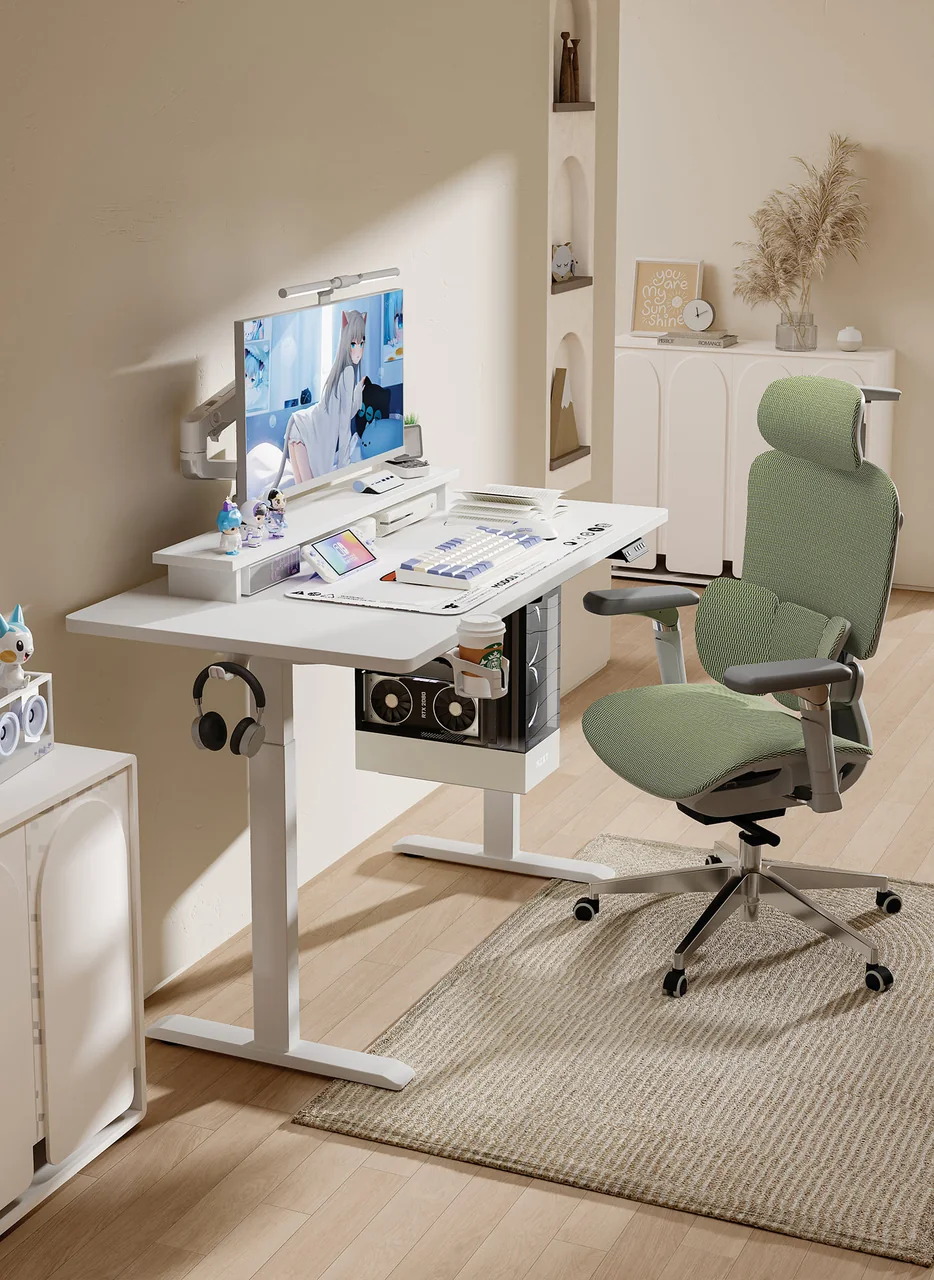
For screen-based work, the top needs room for the monitor, keyboard, mouse, and commonly used items. OSHA notes that limited work-surface space can push devices into awkward positions; it advises placing the monitor directly in front of the user and allowing at least 20 inches (50 cm) of viewing distance where possible (OSHA Computer Workstations eTool). This is a setup reference, not a universal desktop-depth prescription.
A compact desk is therefore not merely the smallest model. It is the model whose verified dimensions work with your equipment and routine. Safe Work Australia advises designing workstations so people can vary posture and movement, rather than remain in one static position (Safe Work Australia).
BUYER'S GUIDE
Measure Your Usable Footprint Before You Compare Desks
Measure the zone a desk can occupy before comparing product photos or filtering by “compact.” Record clear wall-side space, usable depth, obstacles, and the route around the proposed location. A wall measurement alone cannot show whether the desk, chair, and user can operate there.
For the full sequence and a recording worksheet, use the planned step-by-step room measurement guide. Here, the aim is to decide which product footprint is workable after the room is understood.
Map the Desk Zone, Not Just the Wall
Mark the proposed desktop area on the floor with tape or paper. Extend the outline to include the published foot or base dimensions of the exact model, then add the chair position and standing area. If a product page does not show base dimensions or a dimensional drawing, ask before treating the desktop size as the full footprint.
| Fit Input | What To Record | Why It Matters |
|---|---|---|
| Usable wall width and depth | The clear zone, not the whole room | Defines the desk zone |
| Proposed model | Name, version, and dimension source | Avoids mixed configurations |
| Base and foot footprint | Published width, depth, and leg position | Feet may project differently from the top |
| Chair and standing area | Expected chair travel and standing position | Tests use, not storage |
| Equipment layout | Screens, laptop, mouse, papers, dock | Connects size to real work |
Check Doors, Baseboards, Outlets, and Routes
Check door paths, skirting boards or baseboards, radiators, shelving, outlets, and walkways. Include the cable route to power. A thick rug, uneven floor, or under-desk storage can reduce chair movement and leg room. OSHA advises keeping under-desk space free enough for people to change working postures (OSHA Computer Workstations eTool).
BUYER'S GUIDE
Choose Desk Width Around Your Devices and Daily Tasks
Width should follow the equipment and work that must sit side by side, not a general minimum. A laptop-only arrangement has different needs from a laptop plus monitor, while writing, drawing, or paperwork can make an otherwise adequate top cramped.
Plan for a Laptop-Only or Laptop-and-Monitor Setup
List every item that remains on the desk during a normal session: monitor stand or arm, external keyboard and mouse, dock, speakers, and documents. For extended laptop work, HSE suggests using a separate keyboard and mouse so the laptop screen can be raised on a riser or similar support (HSE: Good Posture When Using Display Screen Equipment). That arrangement changes the required space.
A monitor arm may free surface area, but the clamp location, rear clearance, and screen travel still need checking against the desk and wall.
Leave Room for the Work You Actually Do
Lay out real items, including notebooks or samples, before selecting a width. Frequently used devices should remain easy to reach rather than being pushed into a far corner (OSHA Computer Workstations eTool). For retail listings, show the illustrated configuration and its dimensions instead of claiming it suits every home office.
BUYER'S GUIDE
Balance Desktop Depth With Screen Placement and Reach
Depth is a layout decision. It must accommodate the screen, keyboard, mouse, arm position, and any mount or dock without putting the screen to one side or the mouse too far away.
HSE guidance places the screen directly in front of the user, with the top roughly at eye level and the screen about an arm’s length away; it places the keyboard just below elbow height and the mouse in line with the elbow (HSE: Good Posture When Using Display Screen Equipment). Use these points to test a layout; do not treat them as proof that one desktop depth fits everyone.
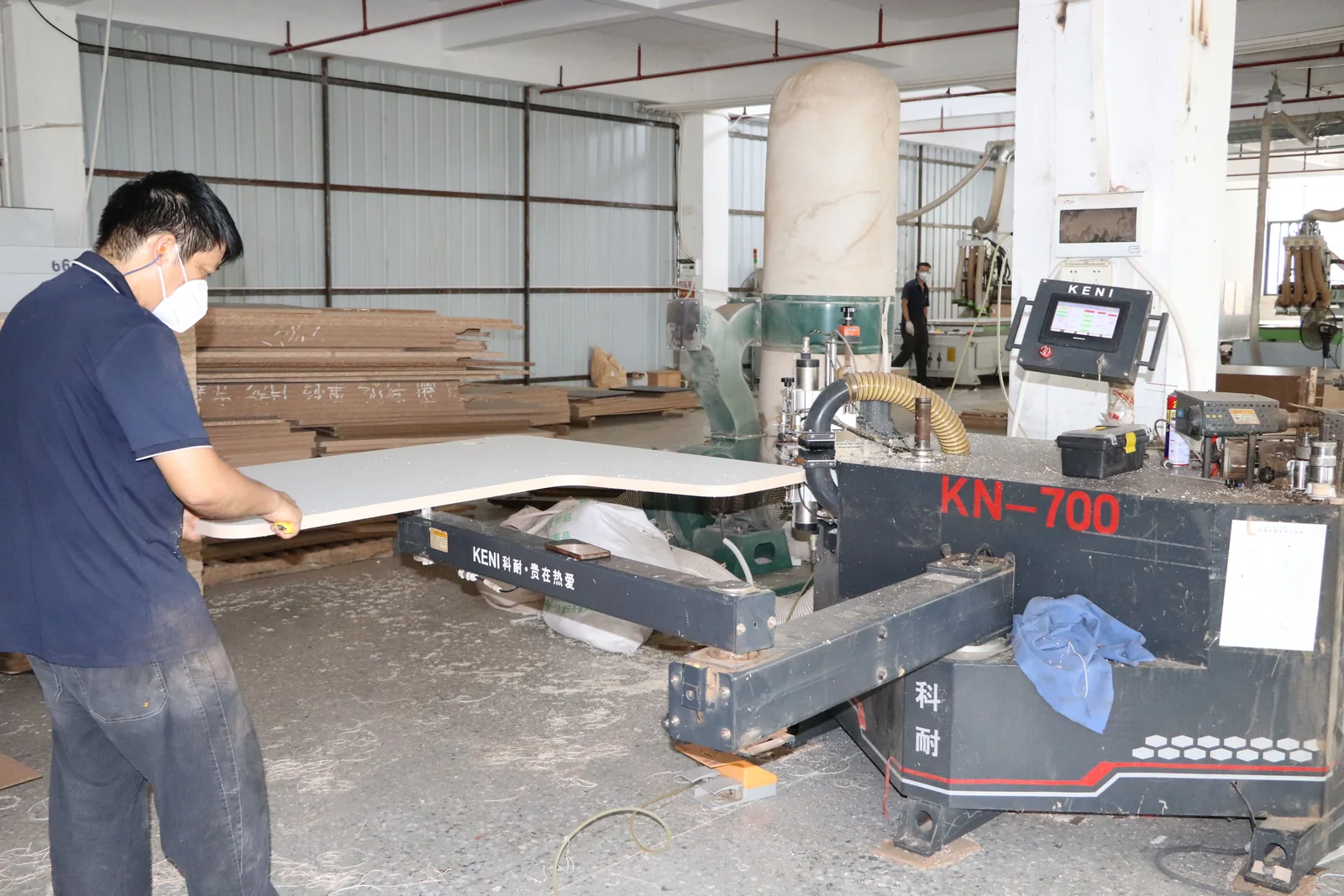
Ask for the dimensional drawing for the exact top-and-frame combination. Sketch the screen, keyboard, mouse, rear clearance for a stand or arm, cable exit, and wall obstruction.
BUYER'S GUIDE
Check Clearance for Sitting, Standing, and Chair Movement
A desk can fit when parked but fail during use. Check clearance with the desk seated and raised, with the chair pulled in and moved back. Reassess if you use a footrest, floor mat, large chair, or monitor arm.
| Scenario | Collision or Constraint To Check | How To Verify It |
|---|---|---|
| Sitting | Knees, armrests, crossbar, under-desk storage | Sit and move normally in the expected chair position |
| Standing | Wall items, shelves, cable strain | Raise the desk through its intended range |
| Leaving the desk | Chair, door swing, walkway | Pull the chair out and walk the route |
| Cable movement | Plug location, length, pinch or trip points | Follow each cable to the power point |
Test the Footprint at Both Desk Positions
Use the product’s published adjustment range and configuration details to confirm it can be set for the intended user and setup. If the range, controller position, or collision behaviour is not documented for the precise model, request clarification rather than assuming it.
Include the Chair and Cable Path in the Plan
The chair belongs in the footprint calculation. Leave room to sit, stand, turn, and leave the desk without blocking circulation. Keep cables clear of moving parts and walkways, and confirm power-cable and accessory requirements in the installation information.
BUYER'S GUIDE
Match the Desk Type and Features to Your Space
Choose desk type from the constraints identified. A fixed-height desk has no moving footprint to check, but cannot change height. An electric desk introduces movement and power requirements. A top-and-frame combination requires confirmation that frame, top, fixing points, and accessories are compatible in the exact version quoted.
Cable management, controller location, and crossbar position can affect a small room. Treat them as layout questions, not automatic indicators of quality or stability. For frame evaluation, use the planned standing desk frame buyer’s guide. For motor architecture, see the planned single-motor vs dual-motor frame comparison; motor count or price alone does not decide whether a compact setup will fit.
Browse GB Ergonomic standing desk product directions for category context, then ask for the current drawing and configuration details needed for a fit check.
BUYER'S GUIDE
Use a Fit Checklist Before You Buy
Complete this checklist with a model-specific source beside every product value. It works for a home buyer comparing options and for a retailer preparing product content.
| Checkpoint | Your Measurement or Requirement | Product Dimension or Source | Conflict or Question |
|---|---|---|---|
| Usable room width and depth | |||
| Door, outlet, and route constraints | |||
| Device and task layout | |||
| Desktop and foot footprint | |||
| Seated and standing clearance | |||
| Adjustment, power, and cable requirements | |||
| Installation and packaging access |
Questions To Confirm on the Product Page or With the Seller
Before deciding, verify the exact configuration’s documented desktop, frame, foot, and overall dimensions; adjustment range and setup instructions; controller, cable, and accessory clearances; package contents and assembly requirements; and images or drawings that genuinely match the specified version. For broader buying-process material, visit the GB Ergonomic Resource Center.
BUYER'S GUIDE
What Retailers Should Verify Before Adding a Compact Desk to a Range
Retailers should make small-space claims specific and checkable. Start with an SKU-level specification, configuration list, dimensional drawing, package information, market-relevant documentation where applicable, and genuine images of the version being offered. Keep the product page, packaging, quotation, and actual configuration aligned.
Do not call a desk “apartment-ready” or suitable for a laptop-and-monitor setup as a universal claim. Publish dimensions, identify the illustrated setup, and state what buyers should check: equipment, base footprint, seated and standing clearance, power route, and installation access. If a market requires documentation, request it for the actual product and destination.
FREQUENTLY ASKED QUESTIONS
Questions to settle before you request a quotation.
Can a Small Standing Desk Work in an Apartment?+
Yes, if the complete desk zone works in the apartment. Check usable floor area, doors, walkways, outlet position, chair movement, and the exact configuration at sitting and standing height. A compact desktop alone does not establish fit.
Is a Small Standing Desk Wide Enough for a Monitor?+
It depends on the monitor stand or arm, an external keyboard and mouse, and other work that must remain on the desktop. Lay out the real equipment and compare it with the documented width. A monitor arm can change both surface use and rear-clearance needs.
How Deep Should a Small Standing Desk Be?+
Choose depth from the real screen, keyboard, mouse, and task layout, rather than a universal measurement. OSHA advises allowing at least 20 inches (50 cm) between monitor and user where possible, while HSE suggests a screen about an arm’s length away. Use these as setup checks, then confirm the model’s top depth and accessory positions.
What Should I Check Besides Desktop Dimensions?+
Check the base footprint, chair and leg clearance, height-adjustment information, controller and cable locations, floor conditions, nearby doors and outlets, assembly access, and package dimensions. Record the source for each product dimension so configurations can be compared fairly.
RELATED BUYER GUIDES
Continue with the next practical question.
Each guide below develops the product, evidence or commercial question that naturally follows this one.
MANUFACTURER SHORTLIST
Top 10 Compact Standing Desk Manufacturers in China for Small-Space Collections
Compare compact desk OEM routes in China through frame width, tabletop geometry, user fit and full-desk cartons before approving a small-space collection.
SMALL SPACES
Small Standing Desk Dimensions: Fit a Laptop, Monitor or Dual-Screen Setup
Compare laptop, single-monitor, and dual-screen layouts for a compact desk. Check usable desktop dimensions and verify the exact configuration.
SMALL SPACES
How to Measure a Small Room for a Sit-Stand Desk
Measure the working footprint, chair movement, doors and cables before selecting a compact desk.
READY TO MAKE A MORE INFORMED DECISION?
Ask About Compact Desk Options
Share the available width and depth, equipment setup, sitting/standing requirement, and whether you are buying for personal use or a market range. [Contact GB Ergonomic](/contact?topic=compact-desk-options) to ask which current desk configurations may be worth comparing. Make the final choice against the current model drawing and specification.
Get a focused responseSOURCES AND FURTHER READING
The references below support the standards, procurement and workplace context in this guide. Requirements should always be verified against the exact product configuration, destination market and commercial arrangement.
- Occupational Safety and Health Administration — Computer Workstations eTool: Desks
- Health and Safety Executive — Good Posture When Using Display Screen Equipment
- Health and Safety Executive — Working With Display Screen Equipment at Home
- Safe Work Australia — Sitting and Standing
- Safe Work Australia — Setting Up Your Workstation Infographic
ABOUT THIS GUIDE
Written by the GB Ergonomic Editorial Team and reviewed on October 27, 2026. This is an educational buyer resource, not legal, certification or regulatory advice. Product evidence, standards and commercial terms should be confirmed for the exact configuration and destination market.